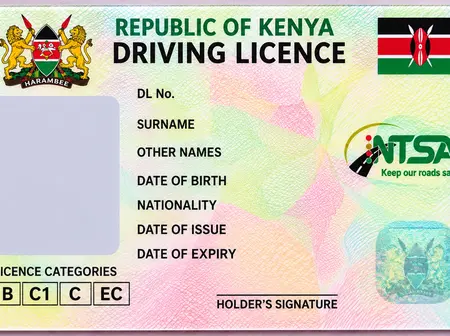
Unveiled on Thursday, November 26, 2026, during the launch of the festive-season Msimu Bila Ajali road safety campaign at Mlolongo Weighbridge in Machakos County, the seven-day suspension drive targets private, public service vehicle (PSV), and commercial drivers linked to roughly 1.7 million recorded violations over the preceding 30 days—including about 740,000 speeding offences.
To check whether your driving licence is valid, flagged, or suspended, motorists can log into the official NTSA Service Portal or access NTSA services using their eCitizen credentials.
Once signed in, navigate to Driver Licensing Services (or My Licence) and select the licence status option to view your endorsed vehicle classes, expiry date, any recorded infractions, and whether your licence is listed as active, expired, or suspended.
Drivers without immediate internet access can also check basic licence details by sending their National ID number via SMS to 22846, using the official NTSA mobile application, or contacting NTSA support on 0709 932 000 or 0709 932 300.
With enforcement teams stepping up highway surveillance alongside 25,000 planned vehicle inspection certificate suspensions, checking your compliance status early helps prevent unexpected fines, arrests, or vehicle impoundments during year-end travel.
What are your thoughts about this article? Share your reactions in the comment section and don't forget to share and follow for more updates.
https://peopledaily.digital/insights/ntsa-how-to-check-if-your-driving-licence-is-among-300000-set-for-suspension
Leave a Reply