Withdrawal from an agent or withdrawal from an ATM have long been the two options available to Kenyans seeking to access cash from their M-PESA accounts.
However, many Safaricom customers often rush to the M-PESA agent option, making it the more familiar choice while giving little attention to the ATM withdrawal facility.
The habit has seen many users overlook the option of accessing their mobile money directly through ATMs, even though Safaricom provides a way to complete the transaction.
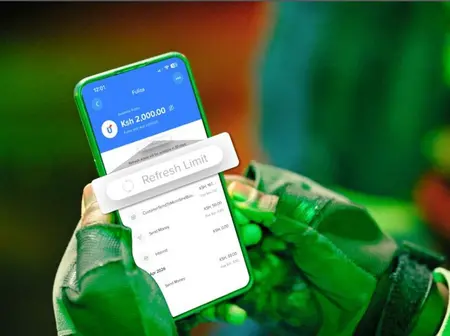
Safaricom has now explained how customers can withdraw money from their M-PESA accounts through ATMs using its My OneApp platform or USSD service.
In response to an inquiry on how to access the service, the telecommunications company directed customers to follow a series of steps through the application.
“Hi Tsom, kindly use My OneApp > Withdraw > ATM, then enter the ATM code and follow the prompts,” Safaricom stated.
The company also provided an alternative method for customers who do not wish to use the application.
“Alternatively, dial *334#,” Safaricom added.
Customers using the My OneApp option are required to open the application and navigate to the withdrawal section.
They should then select the ATM option, enter the ATM code and follow the instructions displayed to complete the transaction.
Alternatively, customers can dial *334# and follow the prompts to access the service.
The option allows M-PESA users to access cash through banking machines without necessarily having to visit an agent outlet.
M-PESA has become one of Kenya’s most widely used mobile money services, with customers relying on it to send and receive money, pay bills and make purchases.
While agent withdrawals remain a familiar option for many customers, the ATM facility provides another channel for accessing cash.
Safaricom’s clarification highlights a withdrawal option that customers can explore through My OneApp or the USSD menu.
For customers who have never used the facility, the company has provided a simple guide on how to initiate an ATM withdrawal from their M-PESA accounts.
Leave a Reply